

How Do I Redeem Disaster City Codes?
Time needed: 2 minutes
To redeem codes in Disaster City, these steps are followed:
- Start Disaster City on Roblox and complete the tutorial if prompted.
- Tap the Twitter icon on the left side of the screen.
- This brings up the code redemption box.
- Type or paste a valid code into the text field.
- Press the “Enter” button to redeem cash or unobtanium for roles.
More About Disaster City
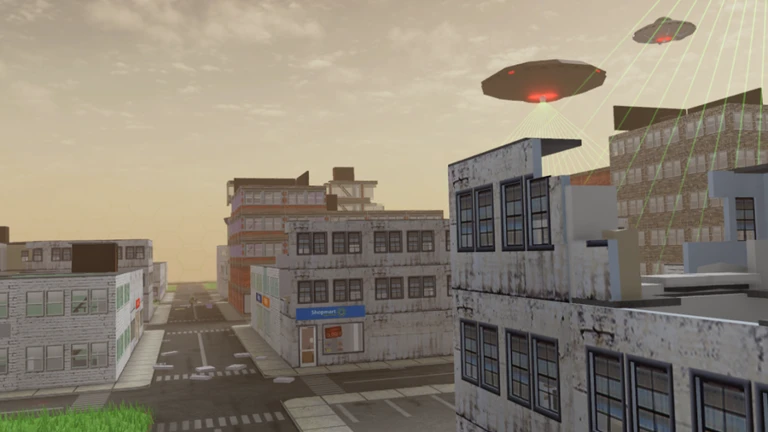
Disaster City thrusts players into heart-pounding survival rounds amid ever-shifting urban chaos. First, each game regenerates a unique city from scratch, ensuring fresh layouts every time. Then, face aliens, ghosts, meteors, monsters, tornados, or lightning storms that ravage streets unpredictably. Moreover, this title fits survival, action, adventure, and strategy genres, demanding quick wits. Consequently, choose from over 20 roles with specialized tools to complete objectives and thrive, not just endure. Furthermore, explore crumbling skyscrapers for loot while coordinating with teams. Thus, outmaneuver hazards, ally wisely, and claim victory points. Besides, seasonal updates introduce new calamities, keeping tension high. Therefore, Disaster City blends destruction with heroism, where one smart move turns peril into prowess. As rounds escalate, alliances fracture, and solo heroes emerge. Ultimately, master the mayhem to etch your name in the rubble-strewn hall of fame.
Click here to go to our Roblox Codes index
