
How Do I Redeem Bring a Drawing to Life! Codes?
Time needed: 2 minutes
To redeem codes in Bring a Drawing to Life!, these steps are followed:
- Launch Bring a Drawing to Life! on Roblox and enter the game.
- Press the Wheel icon on the left side of the screen to access the menu.

- Enter the code into the text box in the redemption section.
- Click Redeem to claim your bonuses and submit your doodles.


More About Bring a Drawing to Life!
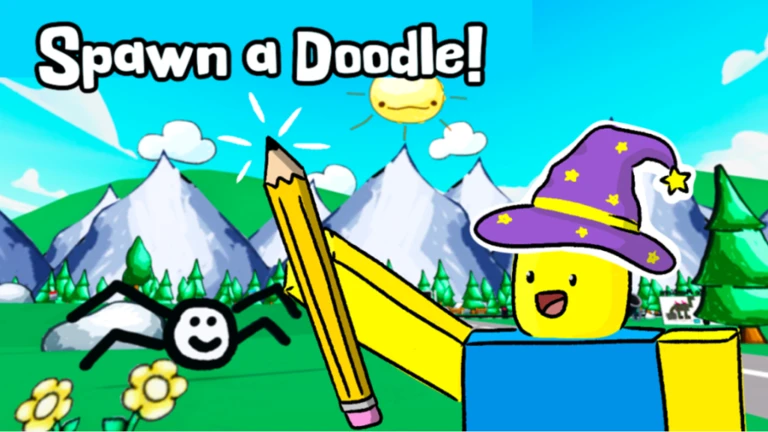
Bring a Drawing to Life! sparks creativity as you sketch whimsical characters that spring into animated motion using intuitive part-based tools. First, doodle freely on a virtual canvas, then assign movements like jumps or spins to bring your visions alive. Hence, it embodies Art, Simulation, Adventure, and Casual genres, perfect for artistic expression. Next, submit entries for “Doodle of the Week” spotlights and redeem codes like “5klikes” for bonuses. Moreover, follow developer SneezyBadger on socials for potential in-game rewards and updates. As such, experiment with layers and effects to craft dynamic stories. Furthermore, share your lively creations in community galleries for feedback and inspiration. Consequently, transform static lines into playful narratives. Thus, whether novice or pro, unleash imagination in this vibrant studio where every stroke dances to life.
Click here to go to our Roblox Codes index
