

See our index of over 5,000 games and codes!
Many pet, gem, and coin codes are still circulated:Pets: CSDream (Lioness), PF / PFJazz (Jazz Bunny), PFLeaf (Walrus), PIPal2 (Anteater), PIFun62 (Chameleon), PIGame2 (Silkworm), PICode2 (Lioness), PSLake2 (Panda), PSSky72 (Spaniel), PSHero2 / PSSun (Bull), PSStar2 (Kitten), PSPlay2 (Corgi), PSGift (Poodle), PIZoom (Pony).
Gems: FFSpark2 (50k), PGTSurfz / CSJolt2 (10k), SPBold (5k), PTTune / PTJump / PTMix6 (1.5k), PSFun3 / PSFree / PSWish / PSSmile / PSJoy8 (500), PSCode / PSCool62 / PSJoy82 / PSWave2 / PSBulbV (100).Coins: PISun2 / PIBest2 (5k), plus smaller codes such as PSWord. Trackers report dozens active and few confirmed expired. Redeem in the in-game codes menu.
How Do I Redeem Littlest Pet Shop Codes?
Time needed: 4 minutes
To redeem Littlest Pet Shop Codes, follow these steps:
- Launch the Game: Open Roblox on your device (PC, mobile, or console) and start Littlest Pet Shop via its official game page.
- Access the Codes Menu: Once in-game, locate the purple “Redeem Codes” button at the top center of the screen. Click it to open a pop-up with a text box.
- Enter the Code: Type or copy-paste an active code (e.g., “CSDream”) into the input field labeled “Enter Code…”. Codes are case-sensitive, so ensure accuracy.
- Redeem the Code: Click the Redeem button. If valid, a notification with a fancy animation will confirm the reward, and items like pets or coins will be added instantly.
- Check Rewards: Verify your rewards in-game, such as new pets or currency, to enhance your collection. Check the correct inventory category (e.g., pets or accessories).
More About Littlest Pet Shop
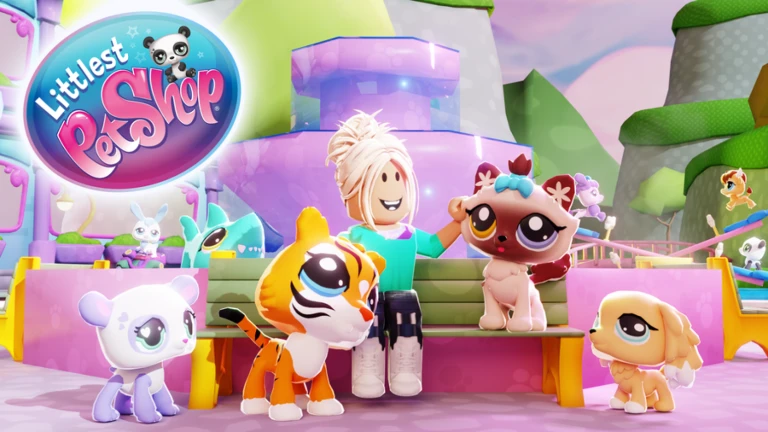
Littlest Pet Shop is a vibrant pet-collecting game inspired by the beloved franchise. Currently, no specific Roblox link is confirmed, but its popularity shines. Primarily, Littlest Pet Shop Codes unlock rare pets and accessories. Consequently, players are motivated to expand their collections. Moreover, mini-games add variety. Additionally, its colorful world appeals to younger audiences. This game spans genres like Simulators, Collecting, Casual, and Social. By collecting and caring for pets, players are immersed in a fun, nostalgic world, making it a delightful experience for Roblox players seeking pet-focused adventures.
Click here to go to our Roblox Codes index
