

How Do I Redeem Sword Clashers Simulator Codes?
To redeem codes in Sword Clashers Simulator, follow these steps:
- Open Roblox and search for Sword Clashers Simulator.
- Click the green “Play” button to enter the game.
- Locate the Codes or Settings button, typically on the main screen or menu.
- Click the button to open the code redemption interface.
- Copy a valid code from a trusted website, ensuring no extra spaces.
- Paste the code into the text field, checking for proper spelling.
- Press the “Redeem” button to claim rewards like pets or boosts.
- If errors occur, confirm the code is valid or recheck the input.
- Bookmark this page!
More About Sword Clashers Simulator
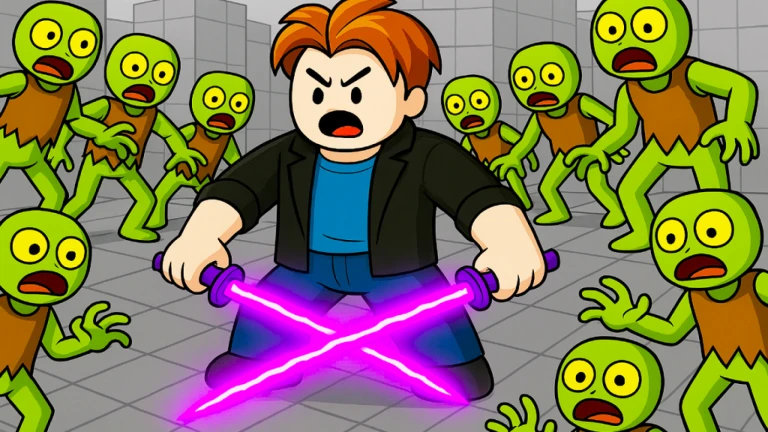
Sword Clashers Simulator propels players into fierce skirmishes against waves of adversaries. This experience spans Simulators, Adventure, Fighting, and Collecting genres. First, users battle enemies to gain strength. Then, they unlock insane swords and pets. Moreover, friends provide boosts. Additionally, premiums enhance speed and luck. However, bosses test mettle. Furthermore, codes deliver rewards. Consequently, rebirths amplify powers. Besides, groups offer perks. Therefore, leaderboards inspire climbs. In fact, mini-projects add freshness. Thus, Sword Clashers Simulator combines training with triumphs, energizing combatants. Overall, it delivers exhilarating growth through clashes and unlocks, engaging warriors.
Click here to go to our Roblox Codes index
