How Do I Redeem Pop It Trading Codes?
Time needed: 2 minutes
To redeem codes in Pop It Trading these steps are followed:
- Launch the Game: Open Roblox and search for Pop It Trading. Click the green Play button to join a server.
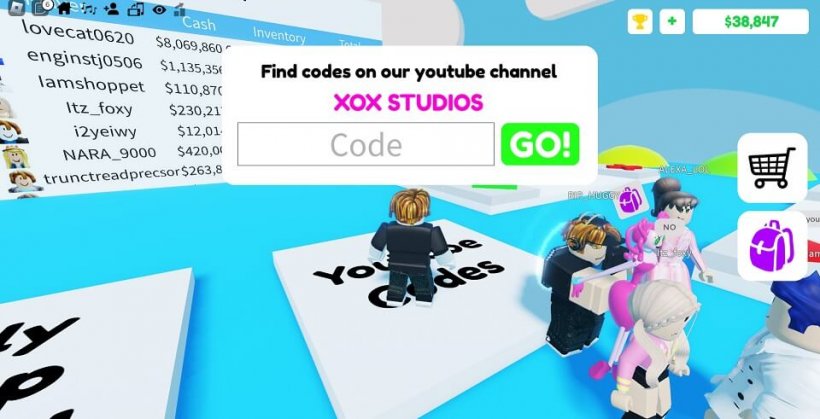
- Find the Codes Button: Look on the right side of the screen for a Twitter icon labeled “Codes,” typically near other menu options like Trade or Inventory.
- Enter the Code: Click the Twitter icon to open a text box labeled “Enter Code.” Type or paste the code exactly, ensuring proper capitalization.
- Redeem the Reward: Press the “Redeem” button below the text box. A confirmation will show your reward (e.g., items or boosts), added to your account immediately.
More About Pop It Trading
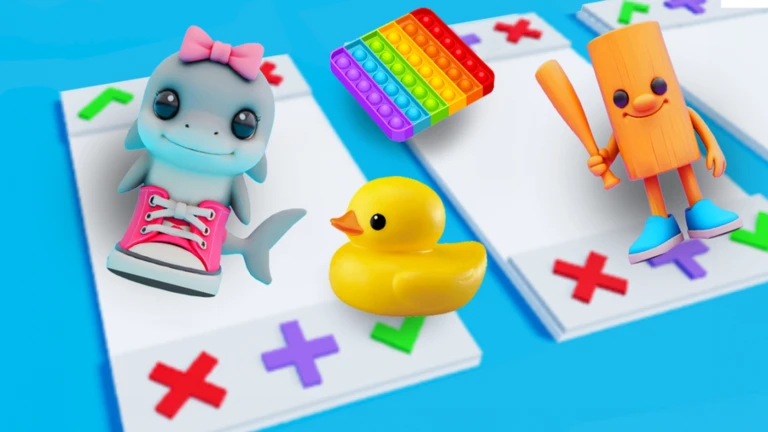
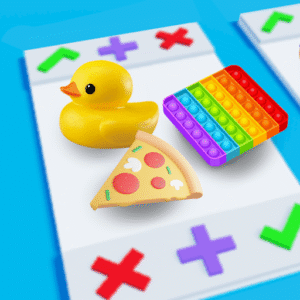
Pop It Trading excels in trading, simulation, adventure, and social genres on Roblox. Players amass fidget toys, bartering rares on boards for collections. Rarity tiers spark hunts, while simultaneous accepts seal deals. Additionally, add-ons expand offers mid-haggle.
Click here to go to our Roblox Codes index
Lobbies hum with negotiations, forging trader bonds. Displays flaunt hauls in casual hangs. Updates drop limited pops, igniting markets. Thus, Pop It Trading bubbles with tactile joy, drawing collectors into a vibrant exchange of clicks, swaps, and sensory treasures in a fidget-fueled social bazaar.