How Do I Redeem Princess Fighter Simulator Codes?

Time needed: 2 minutes
To redeem codes in Princess Fighter Simulator these steps are followed:
- Launch the Game: Open Roblox and search for Princess Fighter Simulator. Click the green Play button to join a server.
- Find the Codes Button: Look on the left side of the screen for a Twitter icon labeled “Codes,” typically near other menu options like Quests or Shop.
- Enter the Code: Click the Twitter icon to reveal a text box labeled “Enter Code.” Type or paste the code exactly, ensuring proper capitalization, as Roblox codes are case-sensitive.
- Redeem the Reward: Press the “Redeem” button below the text box. A notification will confirm your reward (e.g., gems, boosts, or items), applied to your account immediately.
More About Princess Fighter Simulator
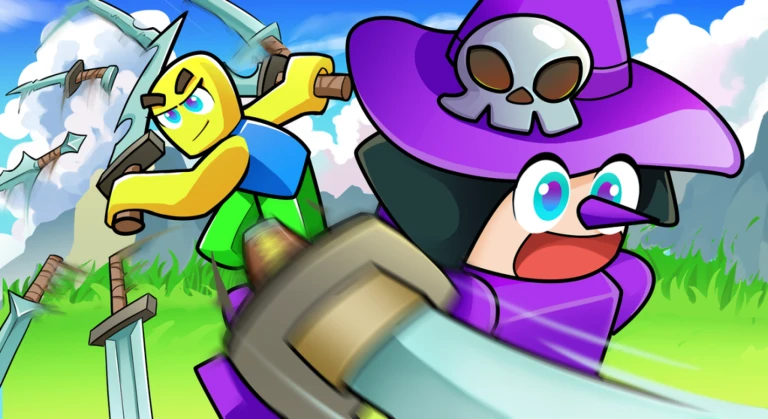
Princess Fighter Simulator blends simulator, fighting, adventure, and fantasy genres on Roblox. Players train princess warriors, punching through maps to level up and unlock tales like Snow NorWhite. Remade visuals enhance epic quests, while HP tweaks balance later challenges. Furthermore, bug fixes ensure smooth combos.

Click here to go to our Roblox Codes index
Guilds rally for boss raids, sharing spoils and stories. Avatars don regal gear for stylish brawls. Incremental updates revamp areas, sustaining fairy-tale fury. Thus, Princess Fighter Simulator enchants battlers with graceful might, weaving empowerment and whimsy into a realm where crowns clash and heroes rise.