
How Do I Redeem Pumpkin Carving Simulator Codes?
Time needed: 2 minutes
To redeem codes in Pumpkin Carving Simulator, these steps are followed:
- Launch Pumpkin Carving Simulator on Roblox.
- Click the Twitter icon on the left side of the screen.

- Enter a code into the text box.
- Click Submit to claim your rewards.


Top 5 Strategy Tips for Pumpkin Carving Simulator
- Carve small pumpkins for seeds—sell to the big pumpkin for candy to buy basic carvers like forks.
- Redeem codes like “SKELLY2023” for ghost dust—enchant tools for 2x carving speed on giant pumpkins.
- Collect ghost pets early for luck boosts—hatch eggs in haunted areas for rares that auto-carve 10% faster.
- Explore spooky zones after tool upgrades—defeat monsters with enchanted forks for rare face templates.
- Join group for 100 free candy—stack during events for max backpack capacity and bulk sales.
More About Pumpkin Carving Simulator
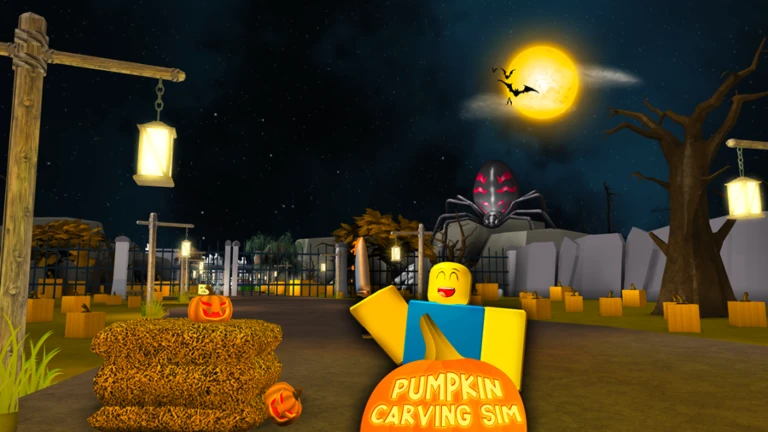
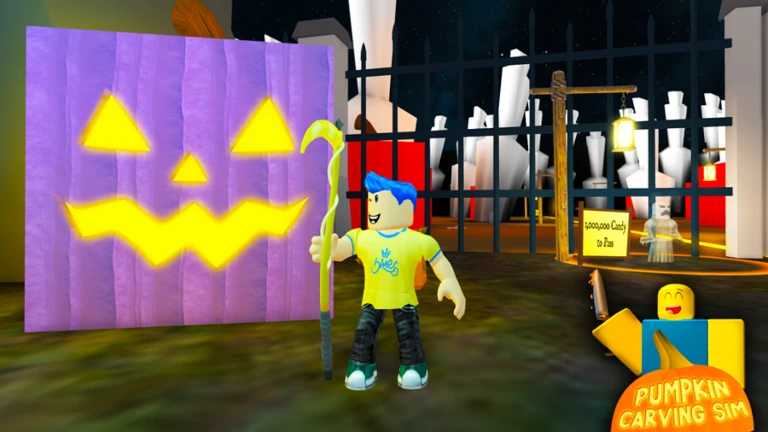
Pumpkin Carving Simulator celebrates Halloween by letting artists sculpt giant pumpkins into spooky faces, collecting ghost pets along the way. Moreover, tool upgrades and enchantments refine crafts. Additionally, it belongs to four Roblox genres: Simulator, Halloween, Pets, and Adventure. Carvers actively wield knives, battling monsters for seeds. Consequently, sales fund expansions. Furthermore, seasonal events boost festivities. However, night creeps intensify dangers. Therefore, Pumpkin Carving Simulator evokes chills and thrills, as creations glow. Ultimately, eerie atmospheres and pet allies heighten immersion, perfect for spooky seasons.
Click here to go to our Roblox Codes index
