How Do I Redeem Shoot a Friend Simulator Codes?

Time needed: 2 minutes
To redeem codes in Shoot a Friend Simulator these steps are followed:
- Launch Shoot a Friend Simulator on Roblox and join a server.
- Locate and click the Codes button on the right side of the screen.
- A text box will appear in the redemption window.
- Type or paste a valid code (e.g., “release”) into the text field.
- Click Redeem to claim rewards such as potions or wins.
More About Shoot a Friend Simulator
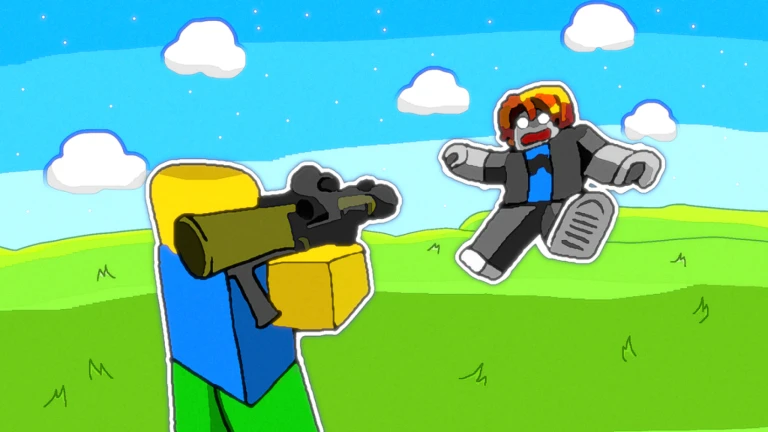
Shoot a Friend Simulator launches players into a chaotic blend of four Roblox genres: simulators, shooters, competitive battles, and pet-collecting adventures. Players fire arrows at targets to hone skills, unlock unique weapons, and climb leaderboards. They hatch pets for boosts, explore colorful maps, and redeem codes like “release” for perks. Thus, beginners dive into thrilling shootouts, mastering precision in vibrant arenas.
Click here to go to our Roblox Codes index
Moreover, veterans strategize duels, using speed potions and win boosts to dominate friends. They customize arsenals with rare bows, sparking rivalries across sessions. Frequent updates add new challenges and maps, ensuring replayability. Consequently, communities thrive on shared victories, turning simple shots into epic tales of skill. This dynamic gameplay loop keeps players hooked, fostering camaraderie and competition.