

How Do I Redeem Skillful Codes?
Time needed: 2 minutes
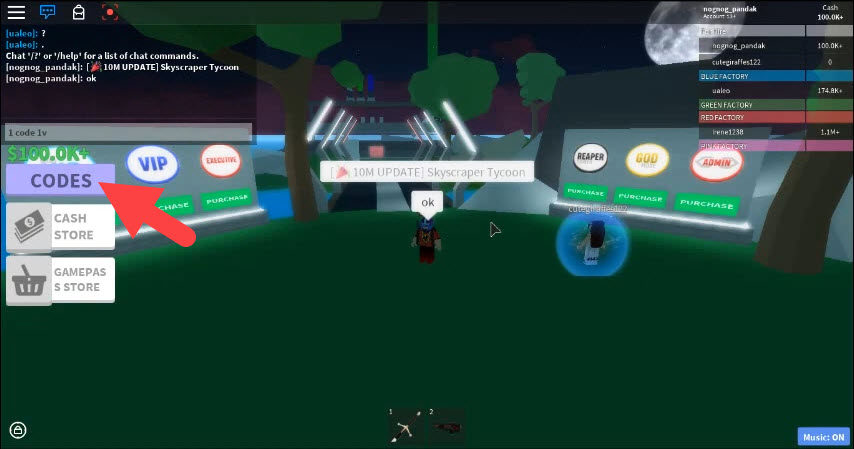
To redeem codes in Skillful these steps are followed:
- Launch the Game: Open Roblox on your device (PC, mobile, or console) and join Skillful by Slubberdegullion.
- Access the Shop: From the main menu (after selecting a save slot if prompted), click the SHOP button (usually on the right or bottom of the screen).
- Enter the Code: In the Shop interface, scroll to the bottom where you’ll find a text field labeled Input Code or Enter Code Here. Type or paste a valid code exactly as it appears (codes are case-sensitive).
- Redeem and Claim: Press Enter on your keyboard (or tap the redeem button if available on mobile). If valid, you’ll see a confirmation message and receive your rewards (e.g., cash) instantly. Repeat for multiple codes.
More About Skillful
Skillful is a unique Roblox game that combines Sports, RPG, Action, and Team-based genres. The game is essentially a soccer match with an RPG twist. In Skillful, players unlock various skills, talents, and flows to improve their abilities on the field. You can obtain new skills by spinning for them with in-game currency, which you earn by playing matches and completing challenges. For instance, some skills help you bypass defensive players, while others let you launch powerful shots. Ultimately, the game’s blend of sports mechanics with a progression system gives players a reason to keep playing and developing their character.

Click here to go to our Roblox Codes index
