
Discover the latest War Thunder Mobile codes and unlock free in-game rewards like decals, boosters, and premium time. Our updated list focuses on currently active promo codes and special registration bonuses for December 2025. Quickly learn how to redeem your codes directly in the War Thunder Mobile app and maximize your military progress.
✨Active War Thunder Mobile Redeem Codes (April 2026)
Here are the active War Thunder Mobile redeem codes as of early April 2026. These are mostly for cosmetics like decals and stickers (rewards sync across platforms via your Gaijin account). New codes are rare, and many expire quickly.Active Codes
- 52MONKEYS — 1st Squadron “Wukong” Decal Bonus
- WTBUTCHER — Sergey Chikhachev’s “Butcher” / Russian Butcher Sticker
Try these variations if the above don’t work right away:
- WTBUTCHER- (with hyphen)
- Some older lists also mention PO-LI-GON (Poligon / Sergey Chikhachev’s sticker) and BRAVO, but confirmation is mixed for April 2026—test them quickly as they may have expired.Redeem them as soon as possible, since codes have limited windows.
How to In-Game Redemption of War Thunder Mobile Codes

Time needed: 4 minutes
Here are the general steps to redeeming codes for War Thunder Mobile:
- In-Game Redemption (Primary Method)
- Launch War Thunder Mobile: Open the game application on your iOS or Android device.
- Access Your Profile: Tap on your Profile Icon (usually located in the corner of the main screen).
- Find the Redemption Option: Look for a tab or button related to “Registration bonus,” “Redeem Bonus,” or a similar option in your profile menu.
- Enter the Code: A text box should appear. Carefully type or paste the active promo code into the box.
- Claim Rewards: Hit the “Claim” or “Activate” button. Your free rewards (like Silver Lions, Boosters, or Decals) will usually be delivered instantly to your account or your in-game mailbox.
Website Redemption (For some Promo/Decal Codes)
Some specific codes, especially those for decals or registration bonuses from content creators, may need to be activated through the main War Thunder (Gaijin) website:
- Visit the Gaijin Activation Page: Navigate to the official War Thunder website or the dedicated code activation page for the Gaijin store.
- Log In: Ensure you are logged into the exact Gaijin account that is linked to your War Thunder Mobile game profile.
- Enter Code: Find the “Redeem bonus code” section, enter the code, and click “Activate.”
- Check In-Game: After successful activation, open the War Thunder Mobile app. The rewards should be credited to your account.
Top 5 Gameplay Strategies for War Thunder Mobile
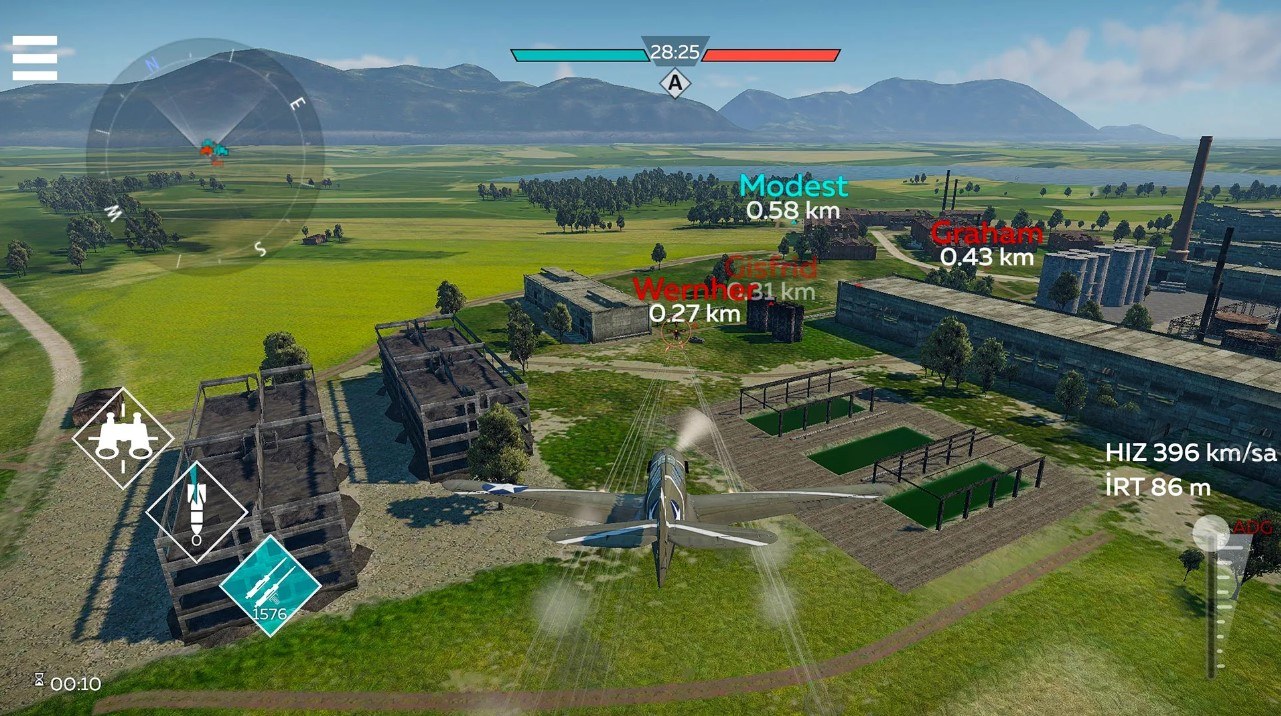
Here are 5 top gameplay strategies for success in War Thunder Mobile, covering combined arms tactics:
- Use Cover and Angling (Ground Forces): Always position your tank near hard cover like buildings or rocks to limit the angles from which you can be hit. When engaging an enemy, angle your armor by about $30^{\circ}$ to increase your effective thickness and deflect incoming shells.
- Boom and Zoom (Aviation): Climb to a high altitude at the start of the match to gain an energy advantage over your enemies. Dive on unsuspecting or lower-flying targets, make a quick attack pass, and use your speed to climb away again.
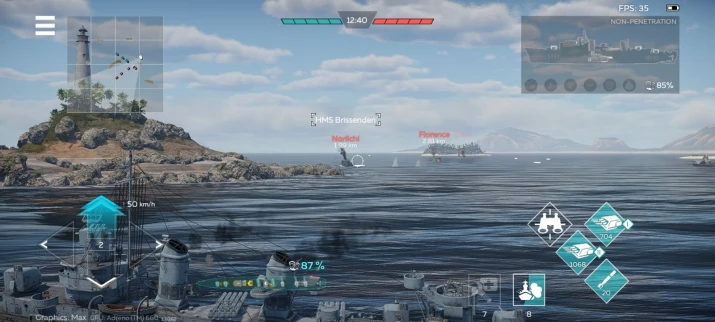
- Target Critical Modules (All Vehicles): Do not just shoot at the center mass; instead, aim for specific weak spots like the enemy’s ammunition rack or engine. In naval battles, focus fire on turrets and the ship’s bridge to disable their weapons and controls.
- Maintain Situational Awareness (All Modes): Constantly check your mini-map to track enemy markers, friendly positions, and objective status. Avoid tunnel vision on a single enemy and be aware of potential flanking routes or air support threats.
- Stick with Your Squad (All Modes): Avoid driving or flying alone, as a single vehicle is an easy target for multiple enemies. Working in pairs or groups allows you to cross-fire, protect each other, and quickly overwhelm opponents.
More About War Thunder Mobile
War Thunder Mobile delivers intense, combined-arms PvP action, blending a Shooter, MMO, Wargame, Vehicular Combat, and Simulation right onto your device. You control authentic military vehicles—tanks, warships, and aircraft—from multiple nations spanning from WWII to modern eras. Crucially, the Dagor engine powers realistic physical damage modeling and stunning graphics, thus ensuring exciting and dynamic gameplay on the go. The core gameplay centers on short, fast-paced matches, which gives players an accessible military experience without the lengthy commitment of its PC counterpart.
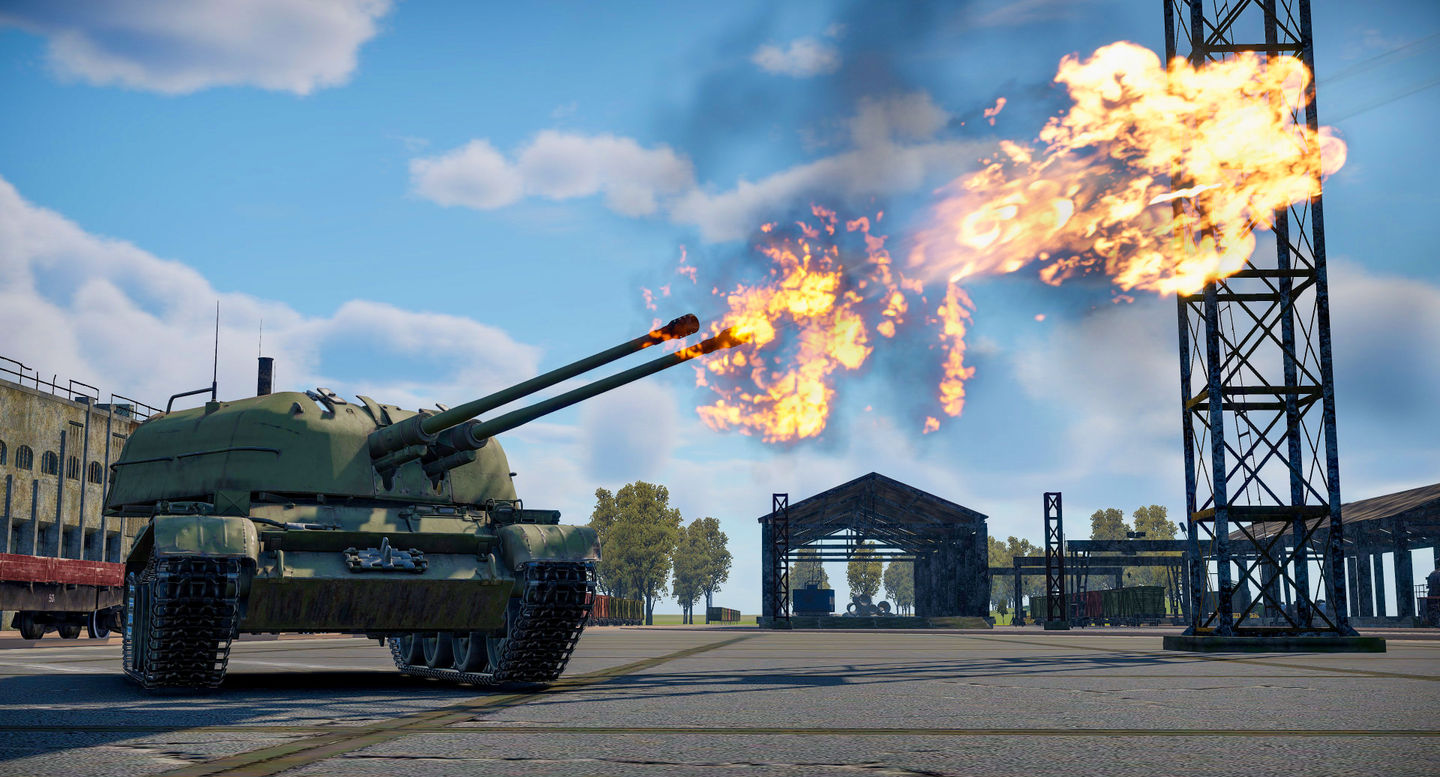
Furthermore, players build and optimize vehicle lineups, progressing through tech trees to unlock better gear and customize their powerful machines. Ultimately, the game successfully translates the full-scale War Thunder battle feel into a streamlined mobile format.
Code Index | Home | Guides | Franchise Games | Roblox Games
