
Top 10 Gameplay Tips for Game Store Tycoon
- Start by building a small store with a few parking spots and the basic staff you need to get started.
- Prioritize building more parking spots to attract more customers and increase your profit.
- Use your profits to build a second floor and to expand your store.
- Once you get enough money, buy transport to save on the instant stock fee.
- Put your employees in a location that is easy for them to access to make their jobs easier.
- Look for updates on the game’s social media for new codes and events.
- Be aware of your surroundings and the location of other players at all times.
- Try to find a safe, less-populated area to earn points without being targeted.
- Don’t be afraid to try new servers to find one with less lag and more players.
- Manage your resources wisely by saving them for high-value upgrades and activities.
More about Game Store Tycoon
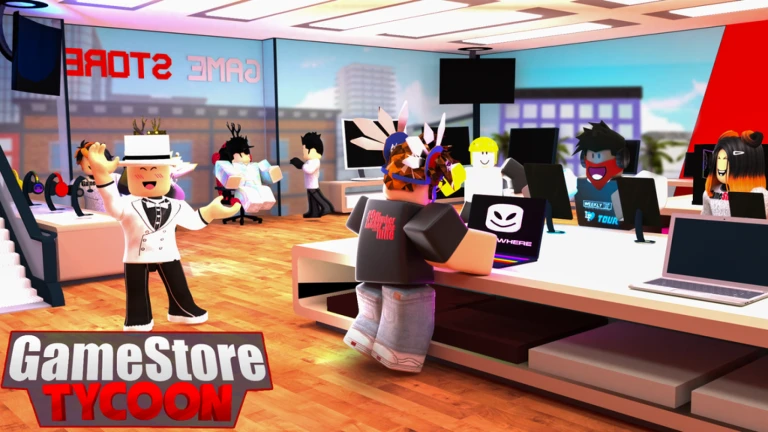
Game Store Tycoon challenges players to build a thriving video game retail empire. From a modest shop, players earn cash as customers buy games, using Codes for bonuses like cash or rare titles. Upgrading stores and stocking unique games drive profits, while special events like millionaire customers add excitement. The game’s colorful design and customization options spark creativity, and social features let players visit friends’ stores. Its strategic progression and leaderboards foster competition, with frequent updates keeping content fresh. The accessible gameplay appeals to casual and dedicated players alike, blending management with a fun retail theme. Genres: Tycoon, Simulators, Management, RPG (Role Playing Game).
Click here to go to our Roblox Codes index
Game Store Tycoon Game FAQs (10)
Yes, since Game Store Tycoon is a Roblox game, its codes are universal. You can redeem them on any device that supports Roblox, including PC, console, and mobile. The codes are not platform-specific, so all players can use them.
To make your store look better in Game Store Tycoon, you can purchase various decorations and flooring from the build menu. Upgrading the exterior of your store will also improve its appearance and attract more customers.
To get a cash register in Game Store Tycoon, you need to purchase one from the build menu. Once you place it, you can hire a cashier to automatically handle customer transactions, allowing you to focus on other tasks.
To get more customers in Game Store Tycoon, you should expand your store and offer a wider variety of games and consoles. Upgrading your shop’s appearance and keeping it clean also makes it more appealing to customers.
To research new games in Game Store Tycoon, you must build a research lab and hire a researcher. The researcher will then work to unlock new products you can sell, giving you a competitive edge over other stores.
The best way to earn money quickly in Game Store Tycoon is to stock high-demand games and consoles. Researching new products and offering sales on popular items will attract more customers and increase your profit margins.
If a Game Store Tycoon code is not working, first verify that you have entered it correctly, checking for any typos. The code may also have expired or you may have already redeemed it, as codes can only be used once.
New Game Store Tycoon codes are typically released by the developers when the game is updated or reaches a new milestone, such as a certain number of likes. Players should follow the game’s official social media for new codes.
To enter Game Store Tycoon codes, you need to open the game and find the button for codes, which is usually a Twitter bird icon. Clicking this button will open a pop-up window where you can type in your code.
