
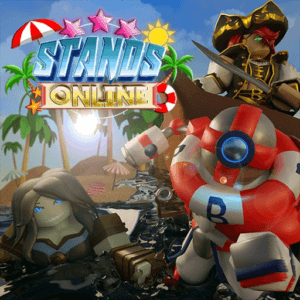
Now with NEW CODE Detection! Unlock the latest Stands Online Codes for Free cash, coins, gems, other in-game money and cool Roblox stuff!
Click here to go to our Roblox Codes index
How to Redeem Stands Online Codes
- Pick “Copy” from one of the redeem codes shown on this page.
- Launch the game on Roblox. Wait for the game to fully load before looking for the codes menu.
- Open the menu (usually three-line icon or press M).
- Go to Settings or Stats.
- Look for a code input box, enter the code, and redeem.
- Check the in-game UI or Discord for the exact location if needed.
Quick Tips for Code Redemption
- Wait until the game fully loads before trying to redeem.
- Codes expire, so redeem them as soon as you find them here on MyGameDesk.com.
- If a code fails, double-check spelling/capitalization and make sure you haven’t already used it.
- Joining the official group or Discord sometimes unlocks extra codes or is required for certain ones.
- Bookmark (Windows/Linus Ctrl+D) (Mac cmd+D) and follow this game page for regular updates of new codes.
Click here to go to our Roblox Codes index
About Stands Online
Stands Online hands you randomized stands with unique moves and looks for pure PVP clashes. Then you train, trade, and join gangs while chasing better arrows. Meanwhile summer events and remodels keep the roster fresh. After summoning your stand the fights feel fast and stylish. Overall the JoJo vibe plus customization makes every match personal. Top 5 genres: RPG, Action, Fighting, Anime, PVP.
